


Home Office Renovations Toronto: 2026 Remote Work Guide
Create the ultimate productive workspace with custom home office renovations. Learn about built-in desks, soundproofing, ergonomic design, and technology integration that defines modern Toronto home offices.

Expert Team
Senior Renovation Consultant
May 25, 2026
Updated for Toronto Market
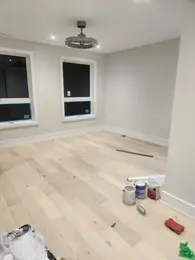
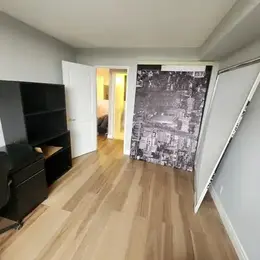
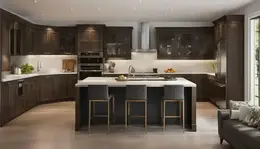
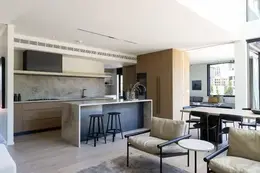
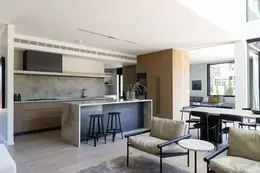
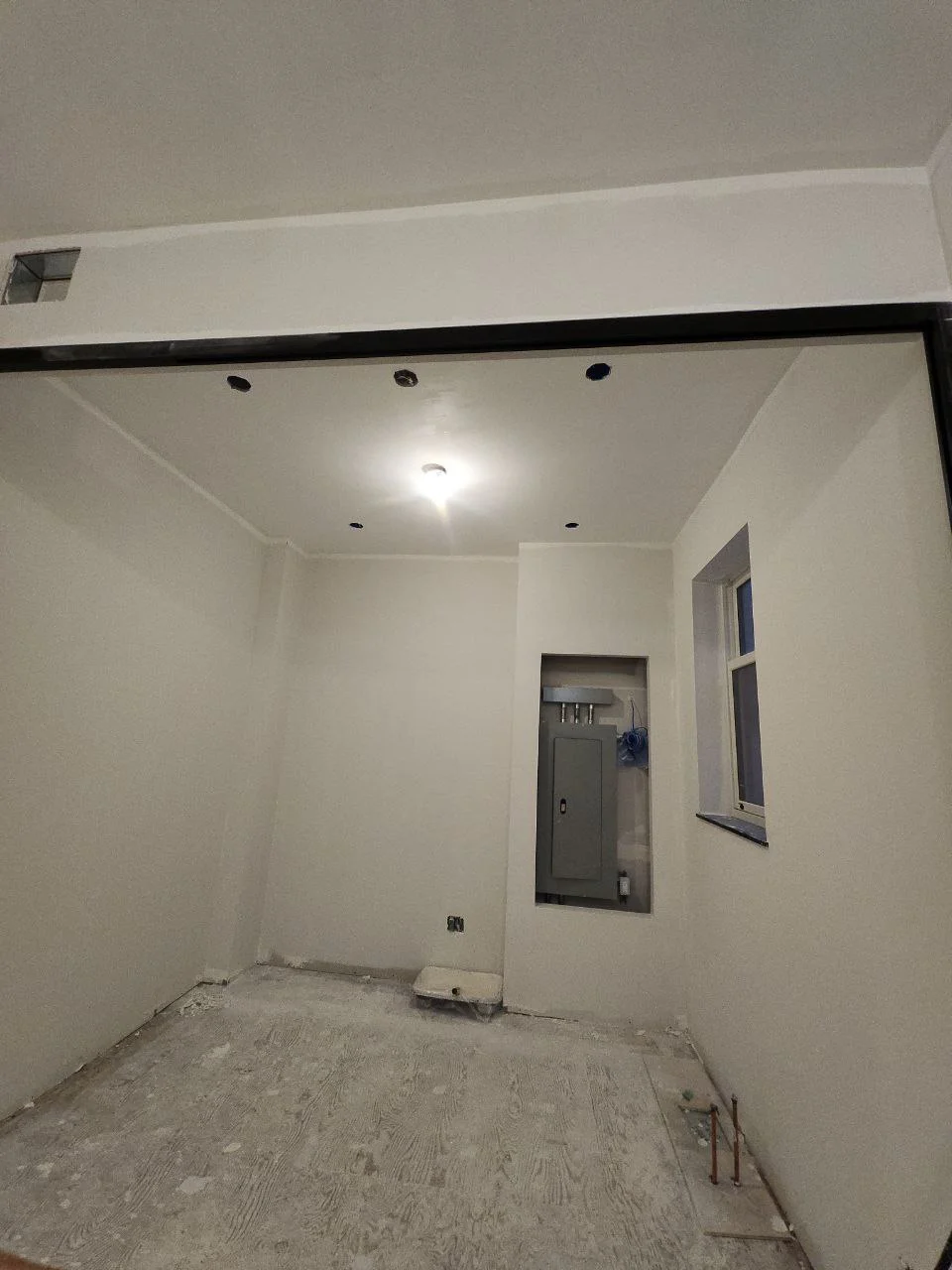
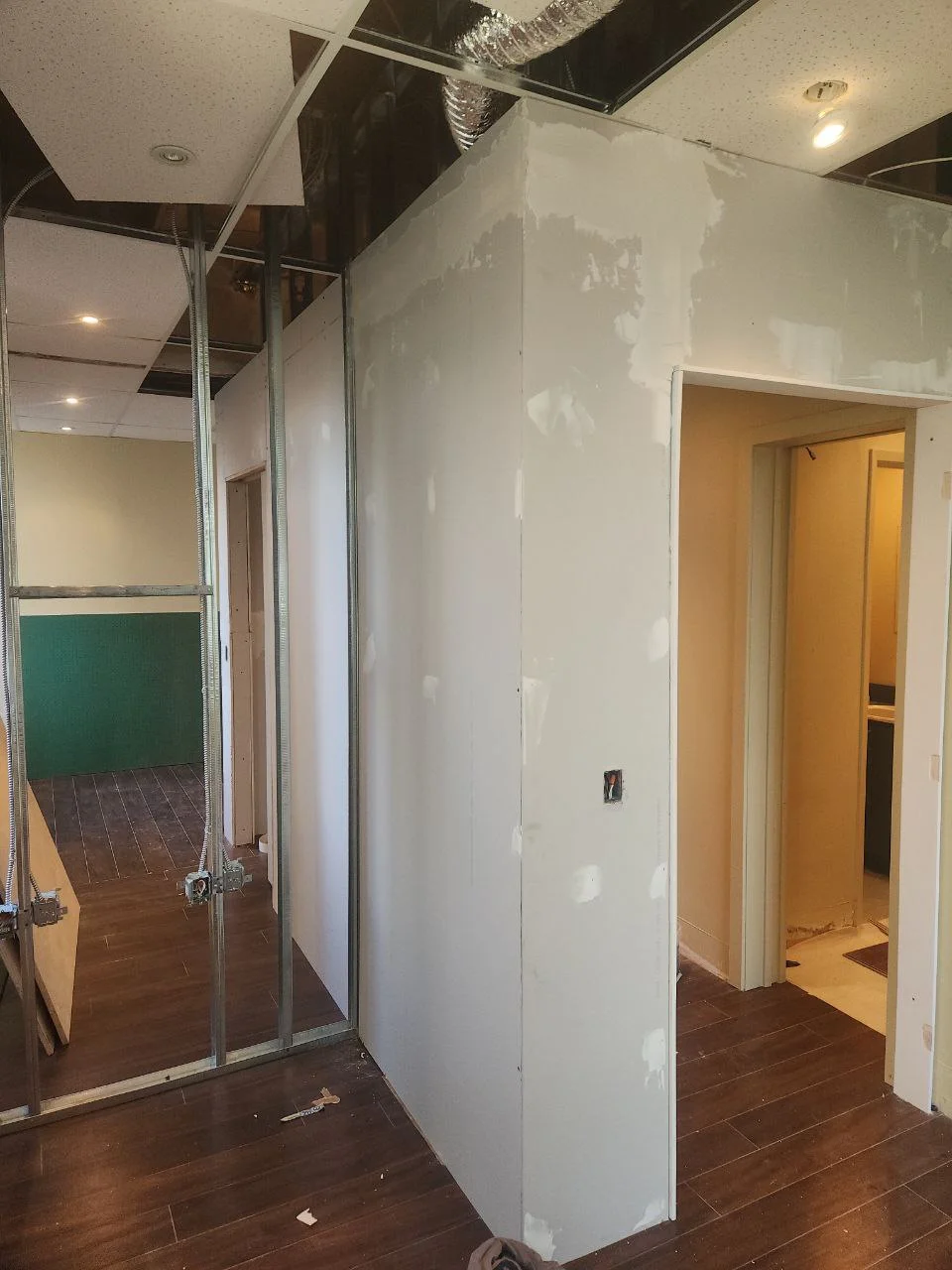
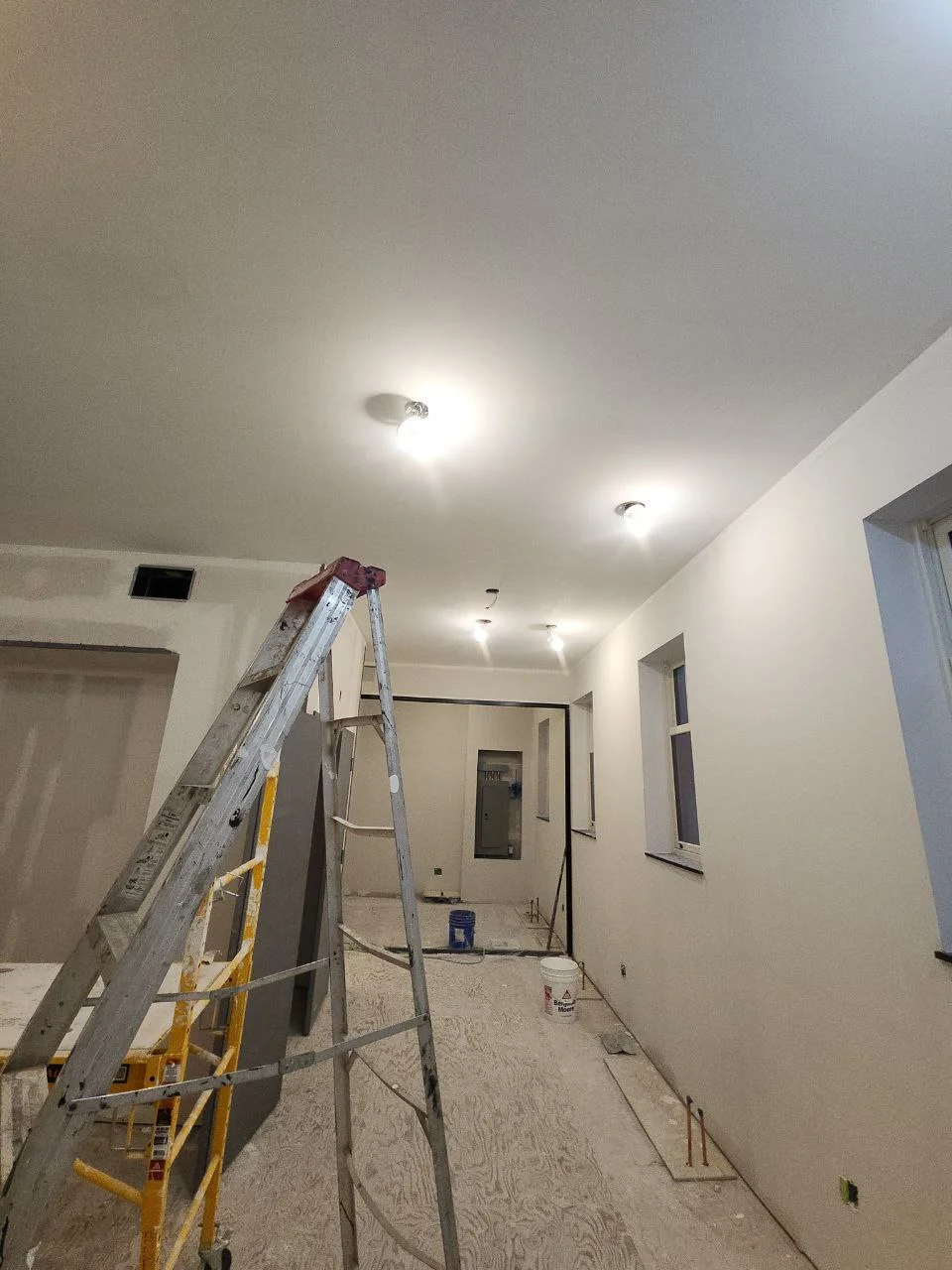
Luxurious home office with custom built-in desk, soundproofing, and professional lighting - the ultimate Toronto remote work setup for 2026
Quick Insight: Home office renovations have increased 180% in Toronto since 2020, with typical investments of $10,000-$30,000 creating dedicated workspaces that increase productivity by 30-40% while adding 5-8% to property value. Remote work is here to stay, making professional home offices essential investments.
The Permanent Shift to Remote Work in Toronto
The pandemic accelerated a shift that was already underway, remote and hybrid work has become the new normal for millions of Toronto workers. Major employers including TD, RBC, Shopify, and the Ontario government have adopted permanent hybrid policies. This fundamental change means home offices are no longer temporary solutions but permanent workspace requirements that deserve the same attention as kitchens or bathrooms.
Toronto homeowners have responded by creating dedicated workspaces that rival corporate offices. From spare bedrooms converted to professional suites to basement renovations creating entire work wings, home offices have become essential home features. The most successful renovations balance productivity and comfort, creating spaces where you can focus efficiently while working from home.
Essential Elements of Productive Home Offices
1. Custom Built-In Desks and Storage
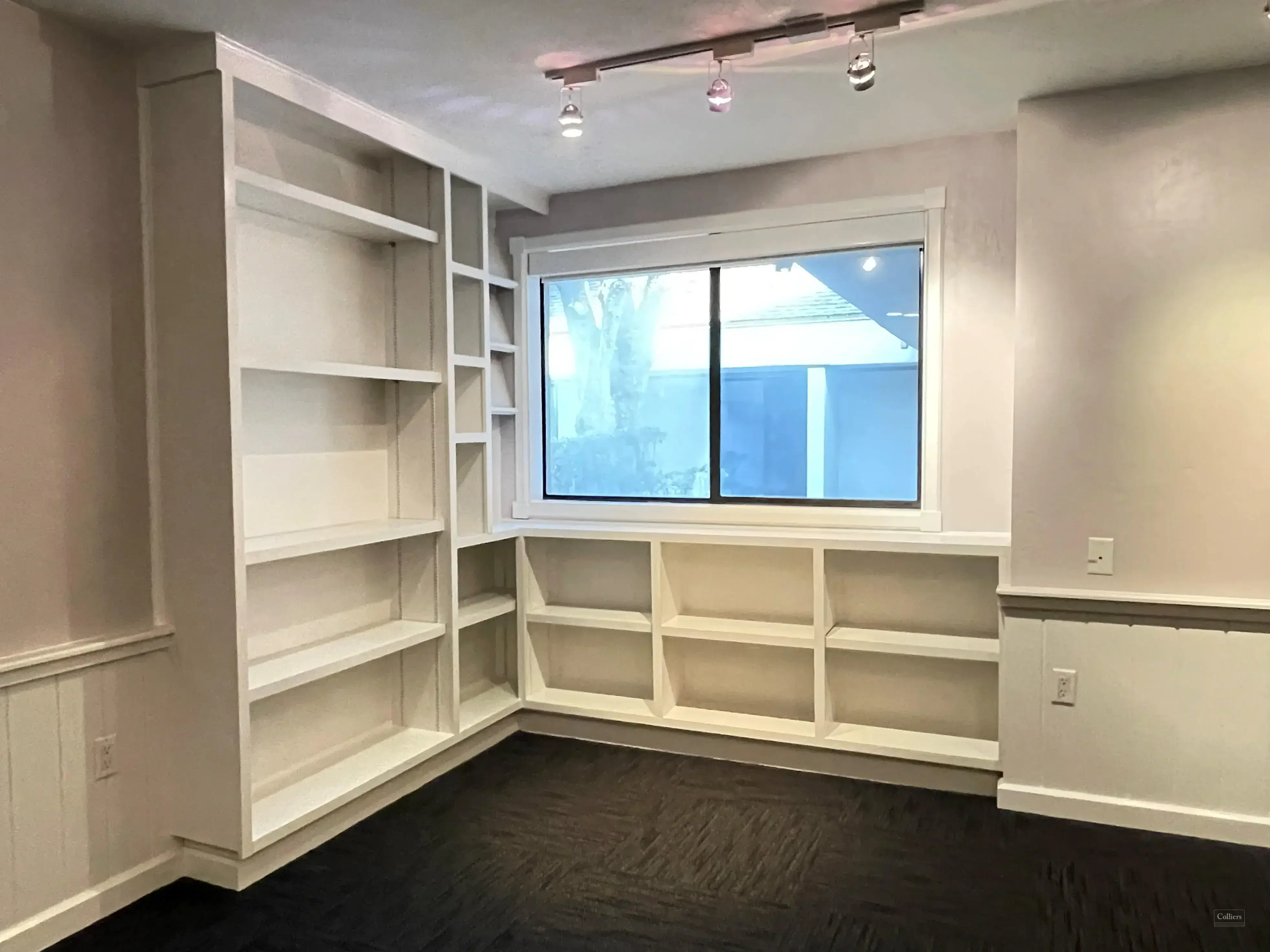
Built-in desks represent the pinnacle of home office design. Unlike freestanding desks, built-ins can be sized precisely to your space and needs, incorporate abundant storage, and create polished, professional appearances. Custom built-in desks can include cable management, integrated power, filing drawers, and display shelving.
Built-In Desk Features:
- Custom sizing to fit your space perfectly
- Integrated cable management and power strips
- File drawers, document storage, and supply organization
- Adjustable height options for sit-stand configurations
- Display shelving and bookcases
- Finished backs for floating desk installations
- Coordinated wall paneling for integrated appearance
Investment in quality built-ins typically ranges from $3,000-$8,000 depending on size, materials, and complexity. While more expensive than freestanding desks, built-ins add permanent value to your home and create workspace efficiency that justifies the cost through improved productivity.
2. Professional Lighting Design
Proper lighting is absolutely critical for home offices where you'll spend 8+ hours daily. The best designs incorporate multiple light sources: task lighting for focused work, ambient lighting for overall illumination, and accent lighting to reduce eye strain and create pleasant environments. Natural light is ideal but must be managed carefully to avoid glare on screens.
LED technology has transformed office lighting. Tunable white LEDs allow you to adjust color temperature throughout the day, brighter, cooler light (5000K) for morning focus and warmer light (2700-3000K) for afternoon comfort. Many Toronto homeowners are installing smart lighting systems that automate these adjustments, creating optimal lighting conditions without requiring manual changes.
Lighting Requirements:
- Task Lighting: 500+ lumens at desk level (desk lamps or under-cabinet lights)
- Ambient Lighting: Recessed pot lights for overall room illumination
- Natural Light Management: Blinds or shades to control daylight glare
- Color Temperature: 4000-5000K for optimal focus and reduced eye strain
- Flicker-Free LEDs: Essential for video conferences and long work sessions
- Dimming Capability: Adjust brightness for different tasks and times
3. Soundproofing and Acoustic Control
Noise control separates casual workspaces from professional home offices. Soundproofing prevents household sounds from interrupting calls and keeps your work from disturbing family members. Dedicated sound isolation is particularly important for home offices near busy streets or in households with children and pets.
Effective soundproofing involves multiple strategies: adding insulation to walls and ceilings, installing solid-core doors, using acoustic panels on walls, and incorporating soft materials that absorb sound. Many Toronto homeowners are converting spare bedrooms where adding insulation to walls and ceiling during renovations can dramatically improve acoustic performance.
4. Technology Integration and Connectivity
Modern home offices require robust technology infrastructure. High-speed internet with WiFi coverage throughout your workspace is essential. Many homeowners are installing Cat6A cabling during renovations to provide hardwired gigabit connections alongside wireless options. This is particularly important for video conferencing, large file transfers, and maintaining reliable connections.
Power accessibility is equally important. Built-in desks should include integrated electrical outlets and USB charging ports. Consider adding dedicated circuits for office equipment to prevent overloading. Plan for multiple monitors, printers, and other peripherals. Cable management keeps cords organized and accessible while maintaining clean aesthetics.
5. Ergonomics and Comfort
Your home office should support your physical health during long work sessions. While furniture purchases are personal and ongoing, the space itself should accommodate ergonomic principles. Built-in desks at appropriate heights (28-30 inches for seated work), space for monitor arms to position screens at eye level, and room for proper chair movement are all essential design considerations.
Consider including space for movement and stretching. Even small home offices benefit from a few square feet of open floor. Some homeowners incorporate standing desk options, either through adjustable-height desks or elevated surfaces for periods of standing work.
Popular Home Office Locations
Spare Bedroom Conversions
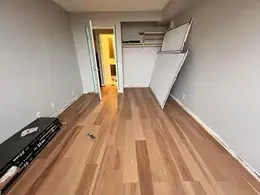
Spare bedrooms represent the most common home office location. They provide privacy, can be closed off from household activity, and typically have adequate natural light. Conversions range from simple furniture arrangements to complete renovations with built-ins, upgraded electrical, and soundproofing. The advantage is maintaining the room's ability to convert back to bedroom use if needed.
Basement Office Spaces
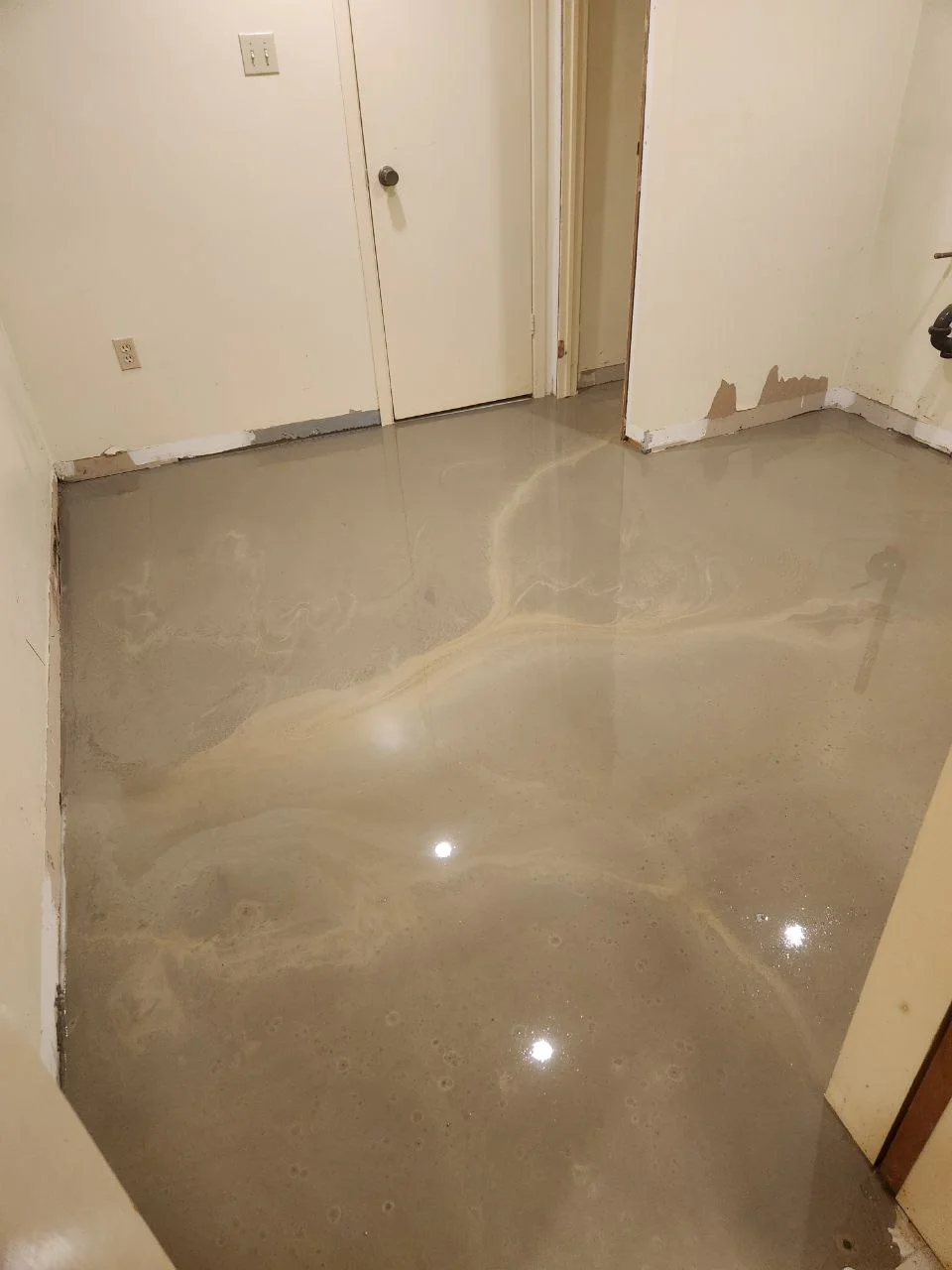
Basements offer excellent potential for dedicated home offices. They're naturally isolated from household activity, provide substantial space, and can be customized extensively. Basement home offices can include separate entrances for client meetings, room for expanding operations, and even small business storage. The key is addressing lighting and moisture to create comfortable, professional workspaces.
Nook and Niche Offices
Not every home has a spare room, but creative solutions can carve office space from unexpected areas. Under-stair nooks, closet conversions, and even portions of larger rooms can become efficient workspaces. While these compact solutions require thoughtful design, they can be remarkably functional and may fit better into smaller homes or apartments.
Home Office Renovation Costs
Typical Investment Ranges:
- Basic Office Setup: $2,000-$5,000 (paint, lighting, flooring)
- Complete Room Renovation: $10,000-$20,000 (built-ins, electrical, finishes)
- Premium Office Suite: $20,000-$40,000+ (custom everything, soundproofing, smart tech)
- Basement Conversion: $25,000-$60,000 (including basement finishing)
Planning Your Home Office Renovation
Assess Your Work Style
Before planning, understand how you work. Do you need quiet isolation or prefer being near household activity? Do you take frequent video calls requiring good backgrounds? Do you need space for spreading out documents or prefer minimal surfaces? Do you work with physical materials requiring storage? Your work style should drive every design decision.
Future-Proof Your Space
Your work needs may evolve. Design flexibility into your office so it can adapt. Built-ins with adjustable shelving accommodate changing equipment. Extra electrical circuits provide capacity for additional technology. Neutral wall colors work with various furniture and decor changes. Consider whether the space might need to serve other purposes in the future.
Consider Resale Value
While your office should meet your needs, consider how future buyers might use the space. Spare bedrooms that can convert back to bedrooms maintain maximum value. Universal designs that work as offices, guest rooms, or hobby spaces appeal to broader markets. Built-ins that appear custom but remain removable offer flexibility.
Property Value Impact
Well-executed home offices increase property value by 5-8% in Toronto's market. More importantly, homes with dedicated workspaces are selling faster and attracting more buyers in the hybrid-work era. A home office has moved from luxury feature to essential amenity for many buyers, particularly in neighborhoods where homes are occupied by professionals and knowledge workers.
The return on investment extends beyond resale value. Productivity gains of 30-40% are common when moving from makeshift workspaces to dedicated offices. For remote workers earning $80,000+, even a 10% productivity increase justifies substantial investment in workspace quality. Your home office is literally where you earn your living, it deserves the same attention as other critical home systems.
Toronto Home Office Trends for 2026
Multi-Functional Spaces
Home offices increasingly serve multiple purposes. Murphy beds create guest rooms. Folding tables provide expanded project space. Room dividers allow temporary separation. The goal is maximizing utility in limited square footage while maintaining professional appearance during work hours.
Biophilic Design
Bringing natural elements into workspace design improves wellbeing and productivity. Living walls, natural wood finishes, stone textures, and abundant plants create connections to nature even in urban environments. Large windows frame views of greenery. Natural materials and organic shapes reduce stress and enhance creativity.
Smart Home Integration
Modern offices integrate with broader smart home systems. Voice control manages lighting, climate, and audio. Automated shades control glare throughout the day. Presence detection activates workspaces when you arrive. These integrations make offices more convenient and efficient.
Conclusion: Invest in Your Workspace
Your home office is where you'll spend thousands of hours over the coming years. It deserves the same attention to design, comfort, and functionality as your workplace would receive, if not more. A well-designed home office enhances productivity, reduces stress, and creates separation between work and personal life that's essential for wellbeing while working remotely.
Whether you're converting a spare bedroom, finishing a basement, or carving workspace from existing rooms, professional design and construction ensure your office serves you beautifully. The investment of $10,000-$30,000 delivers daily returns in improved productivity and job satisfaction while adding lasting value to your home.
Ready to Create Your Perfect Home Office? Our team specializes in designing and building productive, beautiful home workspaces across Toronto. From built-in desks to complete basement conversions, we'll create an office that enhances your productivity and adds value to your home. Contact us today for a free consultation.
Frequently Asked Questions
Basic office updates (paint, lighting, flooring) cost $2,000-$5,000. Complete room renovations with built-ins and upgraded electrical run $10,000-$20,000. Premium custom offices with soundproofing and smart technology range from $20,000-$40,000+.
Yes! Dedicated home offices increase property value by 5-8% and help homes sell faster in Toronto's competitive market. As hybrid work becomes permanent, buyers increasingly prioritize quality workspaces when house hunting.
Lighting and ergonomics are most critical for daily comfort and productivity. Good lighting prevents eye strain during long work sessions. Proper desk height and seating prevent physical stress. After these, soundproofing and storage make the biggest practical difference.
If you take frequent calls or need quiet focus, yes! Soundproofing during renovations (adding insulation, solid-core doors, acoustic panels) is far more effective and cost-effective than trying to add it later. It's particularly valuable for offices near busy streets or in households with children.
Absolutely! Basements make excellent home offices because they're naturally isolated and provide substantial space. Focus on lighting (both artificial and bringing in natural light if possible), moisture control, and creating comfortable, professional environments. Budget $25,000-$60,000 depending on existing conditions.
Related Articles
Home Office Renovation Guide: Design Your Perfect Workspace
Transform any room into a productive, professional home office with these design and renovation tips.
Read More →
Multigenerational Home Renovations in Toronto (2026)
Design a home that works for every generation. Ideas and costs for multigenerational renovations in Toronto.
Read More →
Smart Home Automation Renovation in Toronto (2026)
From smart thermostats to automated lighting, discover the best smart home upgrades for Toronto renovations.
Read More →Remote Work Deserves a Real Home Office Renovation
Custom home offices in Toronto built for the long haul - because the kitchen table was never the plan.
Home Renovation consultations are booking up - reserve yours free this month - We prioritize homeowners who book consultations online.